Huion
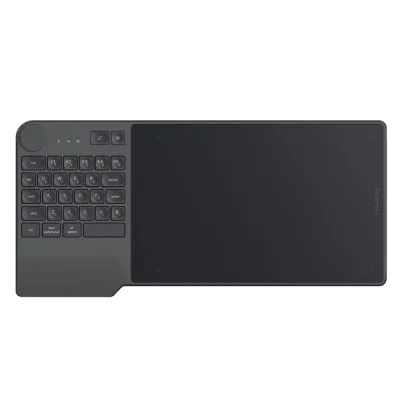
Huion Inspiroy Keydial KD200 Bluetooth Pen Tablet with Keyboard, Dial and 8192 Pressure Levels
0.0 (0)
৳13,399৳14,040
In stock

 Save ৳540
Write the first reviewModel Giano WH1409SKU HUION-GIANOWH1409
৳13,500৳14,0404% off
In stock — ready to ship
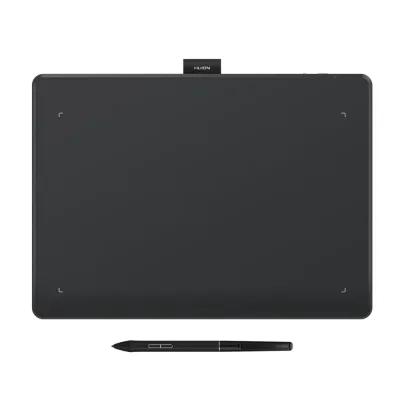
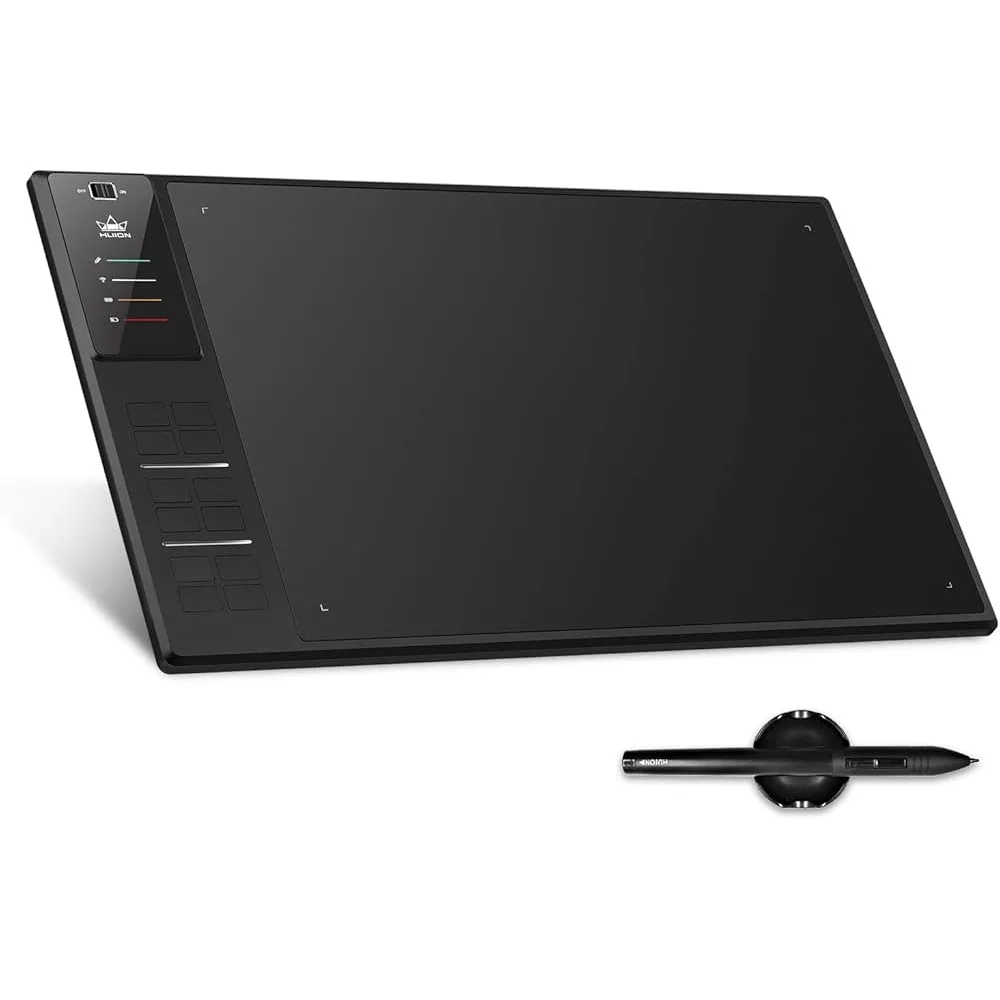
The Huion Giano WH1409 is a large pen tablet for drawing, animation and design, and buyers who search for the huion wh1409 price in bd usually want a big working surface with many shortcuts. It has a 456mm long body, an active electromagnetic resonance pen with 8192 pressure levels and 12 programmable press keys.
A tablet of this size lets you draw with full arm movements, which suits large sketches, comic pages and animation frames. The 5080 LPI resolution keeps lines accurate, and the 8192 pressure levels let strokes change smoothly from light to heavy.
Twelve press keys can be mapped to undo, brush size, zoom, layers or other actions in your drawing software, which reduces keyboard use during long sessions.
Install the latest Huion driver before first use, connect the tablet by USB and calibrate the pen. Map the keys to the shortcuts you use most in your software.
A pen tablet has no screen: you look at your monitor while you draw on the tablet. It takes a little practice but costs less than a pen display. If you want to draw directly on a screen, ask the QASWATEC team about Huion Kamvas pen displays.
The WH1409 suits illustrators, comic artists, animators and designers who work on large canvases and want a big surface with many shortcut keys. Its length also gives room for wide strokes that smaller tablets cannot match.
A 456mm tablet needs desk space, so measure before ordering. Check your operating system against the compatibility list. Ask the QASWATEC team on Elephant Road, Dhaka, if you want help choosing a model.
Available at QASWATEC, Elephant Road, Dhaka, with delivery across Bangladesh.
The Huion Giano WH1409 has 12 programmable press keys.
The Huion WH1409 pen supports 8192 levels of pressure sensitivity.
The Huion WH1409 works with Windows 7, 8, 8.1 and 10, and macOS 10.8 or later.
The Huion WH1409 tablet is 456mm long.
Another question? Ask our team — we reply within one working day.
No reviews yet. Bought this from us? Tell other buyers how it works for you.
Huion
0.0 (0)
৳13,399৳14,040
In stock
Huion
0.0 (0)
৳12,500৳13,000
In stock
Lenovo
0.0 (0)
৳16,399৳17,200
In stock
Huion
0.0 (0)
৳10,500৳10,920
In stock
Huion
0.0 (0)
৳9,500৳9,880
In stock
৳13,500৳14,040